
Build OEM Diagnostic Capability.
Inside Your Own Workshop.
Professional hardware, manufacturer diagnostic environments, access setup, workstation configuration, onboarding and technical support for workshops with recurring OEM-level diagnostic work.
Everything Required to Build a Professional OEM Diagnostic Environment
Cartline configures the solution around the marques, vehicle technologies and procedures your workshop actually needs.
Professional Pass-Thru / OEM VCI
Validated J2534, DoIP and manufacturer-specific interfaces selected according to the OEM environment and vehicle architecture.
OEM Diagnostic Software
Configuration support for genuine manufacturer diagnostic applications and official subscription-based environments where required.
Manufacturer Accounts & Security Workflows
Guidance for OEM portal registration, eligible security-access processes and the account structure needed for supported diagnostic operations.
Diagnostic Computer / Workshop Station
A suitable professional PC or rugged workstation configured around OEM software, drivers, interface connectivity and workshop use.
Installation & Configuration
Initial setup, interface pairing, software environment preparation, connectivity checks and workflow validation.
Training & Technical Support
Technician onboarding and practical support so the workshop can operate the configured OEM environment itself.
Hardware and OEM Platforms — Correctly Separated
Interfața fizică și platforma software sunt componente diferite. Mai jos sunt grupate după rolul tehnic real, nu amestecate ca mărci sau produse.
Produse OEM Workshop
Modele reale, prezentate individual. Maximum trei informații esențiale în grid; toate detaliile sunt pe pagina produsului.
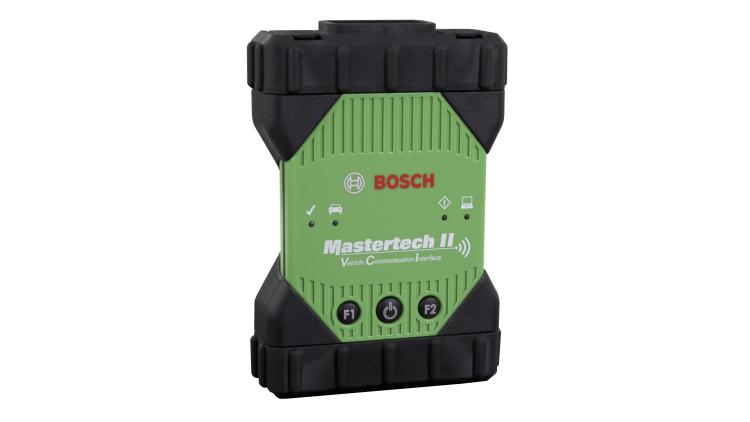
Bosch MTS 6531
- J2534-1 / J2534-2
- USB / Ethernet / Wireless
- IP54
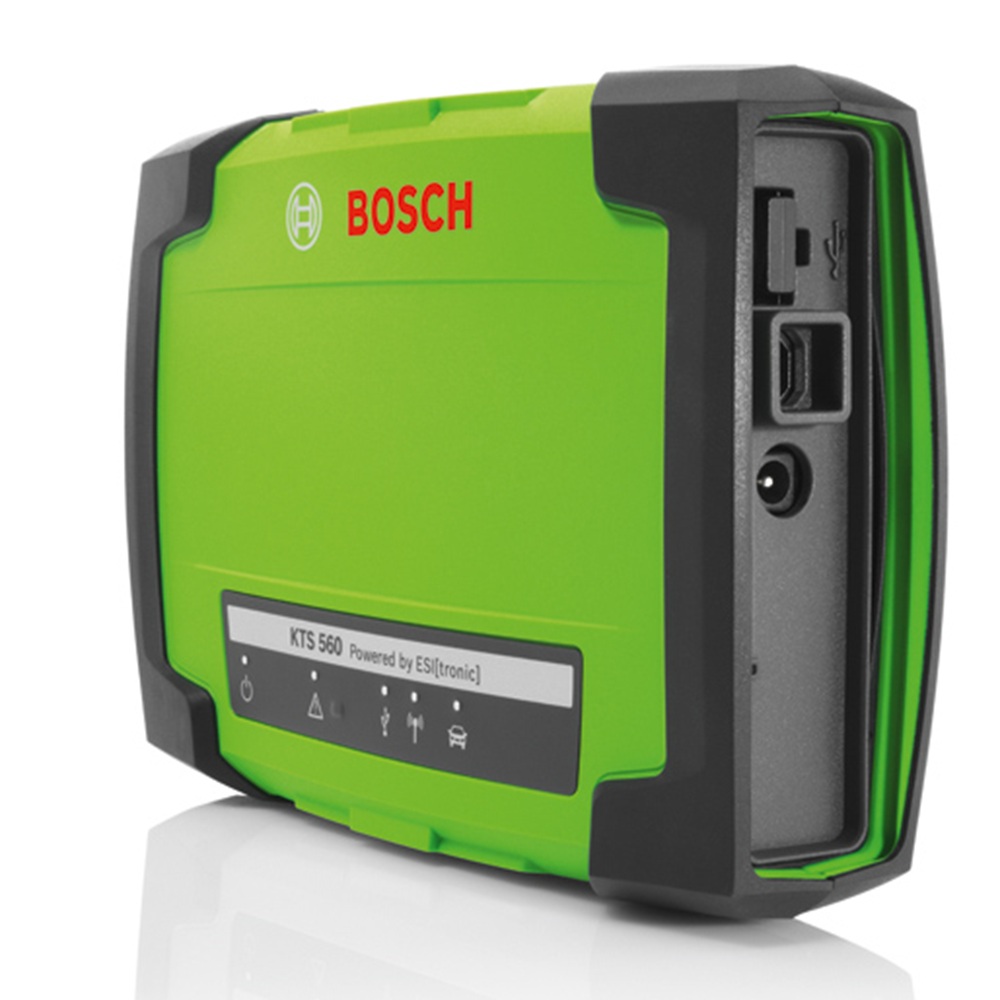
Bosch KTS 560
- J2534 Pass‑Thru
- DoIP + Bluetooth
- Multimetru 1 canal

VAS 6154B
- Volkswagen Group / ODIS
- Wi‑Fi + USB / LAN
- 8–18 V vehicle powered

BMW ICOM Next A
- Original BMW vehicle interface
- OBD vehicle connection
- Designed for ISTA diagnostics / programming
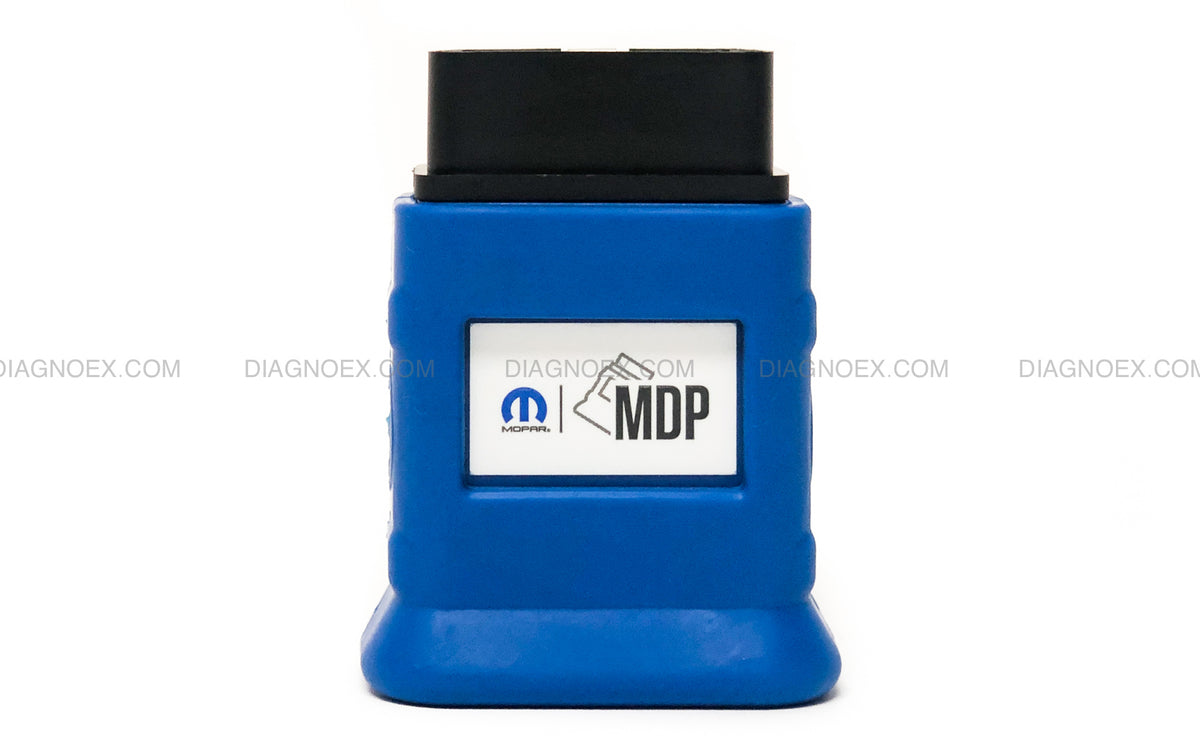
Mopar Diagnostic Pod (MDP)
- wiTECH 2.0 vehicle interface
- CAN FD + Ethernet
- Current-generation replacement for MicroPod II
OEM Workshop – prețuri publice
Bosch MTS 6531
€3.255
Volkswagen Group / VAG
€1.924
Mercedes-Benz
€1.803
BMW / MINI
€1.198
Jaguar Land Rover
€2.166
EUR la cursul zilei.
Choose the Level of Deployment You Need
Interface + OEM Environment
For workshops that already have suitable PCs and need the correct vehicle interface plus OEM diagnostic setup.
Complete OEM Workstation
A ready-to-deploy diagnostic station combining the selected interface, compatible computer environment and configured OEM workflow.
Multi-OEM Workshop Architecture
For specialist workshops that want several manufacturer environments planned around recurring vehicle volume and technician workflow.
Configured Around the Manufacturer Platforms You Service
The exact interface and access path differs by manufacturer. Cartline selects the appropriate architecture instead of forcing one universal device onto every OEM workflow.
From Workshop Requirement to Operational OEM System
Audit
Identify marques, procedures, vehicle volume and current workshop hardware.
Specify
Select interface, workstation requirements, OEM environment and access prerequisites.
Deploy
Install and configure the approved diagnostic environment and connectivity.
Onboard
Set up the operational workflow and train the workshop technician.
Operate
The workshop performs its recurring OEM diagnostic work using its own configured system.
Invest In-House Where Your Workshop Has Repeat Volume
Strong Fit for In-House OEM Capability
Recurring work on the same marques, repeated programming or configuration procedures, specialist workshop positioning and a technician who will use the system regularly.
Keep Remote Support for the Rest
You do not need to own every OEM environment. Maintain your core brands in-house and use Cartline Remote Diagnostics for infrequent marques, exceptional procedures or overflow.
Remote diagnostics remains your specialist backup.
The two services are complementary: build ownership where volume justifies it, and keep remote support for the rest of the workshop mix.
Request an OEM Workshop Configuration
Tell us which marques you service most frequently, what procedures you need and what hardware your workshop already owns. Cartline will define the appropriate diagnostic architecture.
B2B workshop solution. Final system design depends on OEM licensing, manufacturer account requirements, supported interfaces and regional availability.